
How to Connect to the BCC Research Subscriber MCP
Follow the exact steps used by our team to link Claude.ai with the MCP.
Follow the steps below to connect Claude.ai with the MCP:
- Log in to your Claude.ai account.
- Navigate to Admin Settings.
- Select Connectors from the sidebar.
- Click on Add Custom Connectors.
- Create a new connector by providing:
- Name: (Enter a name of your choice)
- URL: https://mcp.subscriber.bccresearch.com/mcp
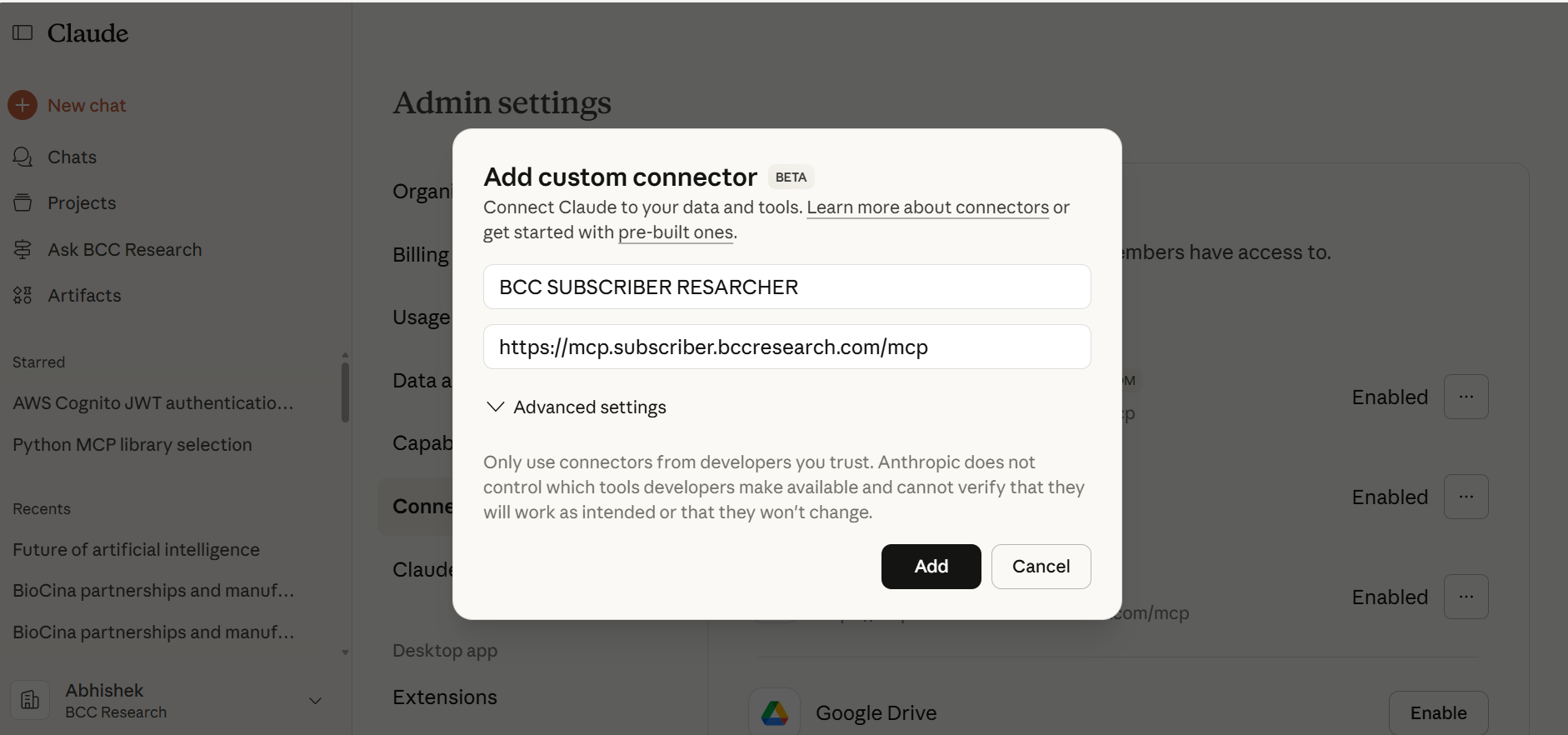
- After saving, return to the Settings -> Connectors page and click Connect.
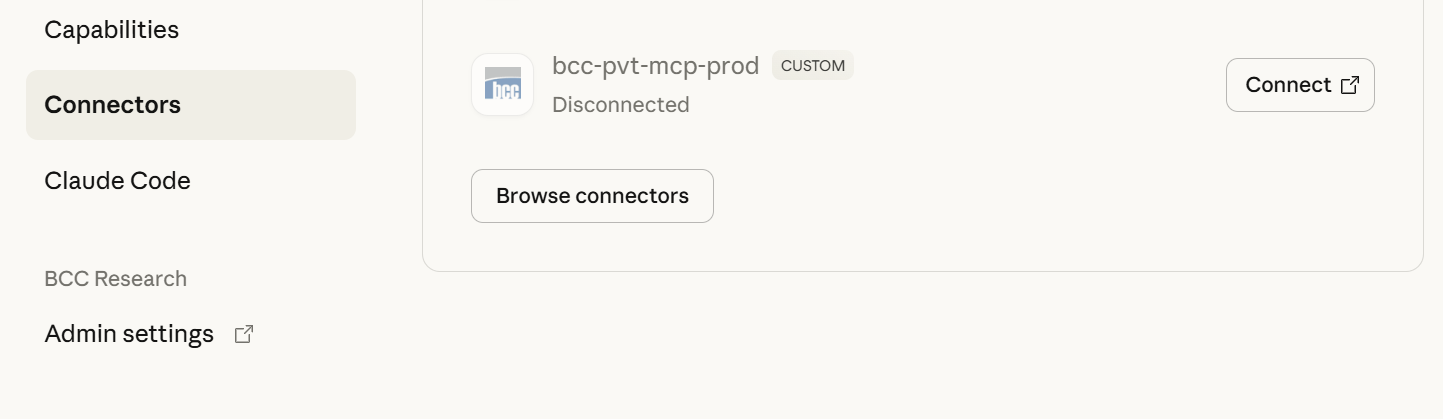
- On first-time connection, you’ll be prompted to reset your password.
- Log in again using your new password.
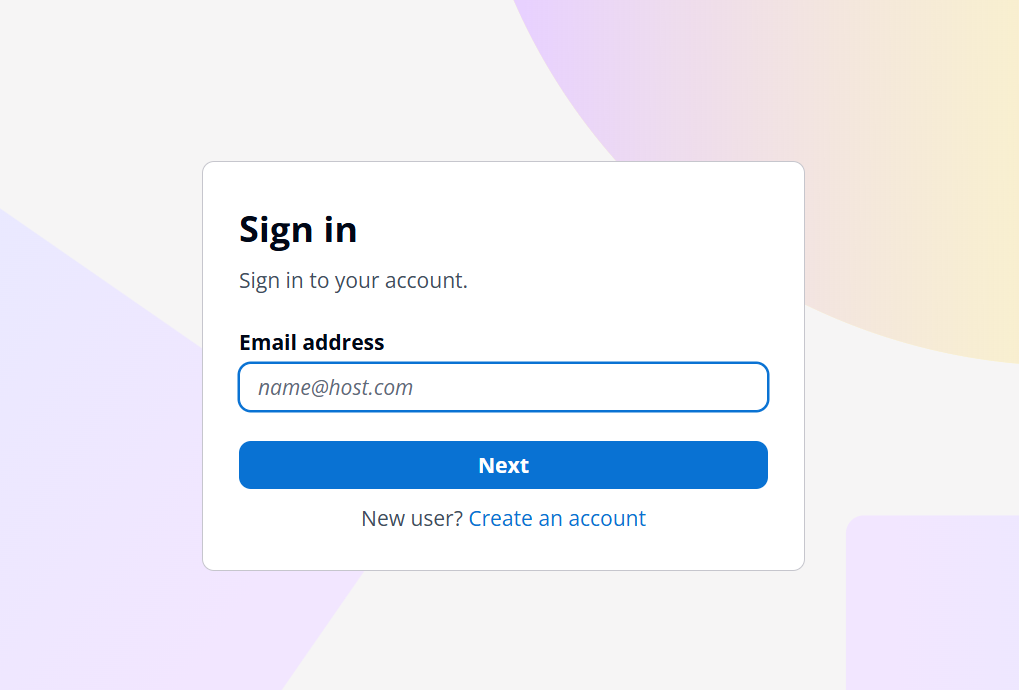
- Once authenticated, your connector will successfully connect to the MCP.